I Sent 50 LinkedIn Messages. Zero Replies. Then I Changed the First Sentence.
50 messages. Zero replies. I changed just the first sentence – and replies started coming in. Here's exactly what I changed and why it works.
Last year I decided to start networking seriously on LinkedIn. I had a list of people — potential clients, interesting folks from my industry, a few hiring managers.
I messaged them. All fifty of them.
Replies? Zero.
I thought LinkedIn was dead. That people just post there and never respond. That nobody reads messages.
I was wrong. The problem wasn't them. It was me — specifically, my first sentence.
What I Was Writing Before
My messages looked something like this:
"Hi Mark, I came across your profile and was really impressed by your work in product management. I'd love to connect and perhaps discuss potential opportunities to collaborate."
Looks decent, right? Polite, professional.
But Mark reads it as: "Another stranger who wants something from me."
And he's right. Because that entire message is about me. What I want. What interests me. What I'd love.
Mark doesn't appear in that message at all — except as a name in the greeting.
One Experiment
A friend told me: "Just change the first sentence. Nothing else."
Instead of "I came across your profile and was impressed by your work" I tried:
"I saw your post about why most product roadmaps fail at the execution stage — that point about stakeholders was exactly what we were dealing with last month."
Same person. Same connection request. Just a different first sentence.
He replied within two hours.
Why It Works
The human brain reads the first sentence and decides in half a second: "Is this relevant to me?"
When you start with "I came across your profile" — it's not. Everyone reads that every day.
When you start with something specific that shows you actually read what they write — it's different. They feel seen, not targeted.
It's not about being nice. It's about being specific.
Three Things I Changed
1. First sentence = about them, not about me
Instead of: "I'm interested in your work in the field of X" Better: "Your post about Y made me think about Z"
The difference is huge. The first version talks about you. The second proves you actually listened.
2. One specific reason why I'm writing
Instead of: "I'd love to discuss potential collaboration" Better: "I'm currently working on X, you did this at company Y — I'd be curious how you approached it"
People love to help when they know exactly what you want. "Potential collaboration" is too vague for anyone to know how to respond.
3. Keep it short. The shorter, the better.
Nobody wants to read three paragraphs from a stranger. Five sentences is the maximum. Two is ideal.
Results After a Month
From 50 messages → 0 replies. After changing my approach → 3 to 4 replies out of every 10 messages.
That's not a lot. But it's the difference between a LinkedIn that doesn't work and one that does.
How This Connects to Wording
You don't always know how to start. You have a sense of what you want to say — but the first sentence won't come. It ends up sounding robotic, generic, like a template.
This is exactly where AI helps. You write a rough draft — and let it rewrite it into a version that sounds natural and specific.
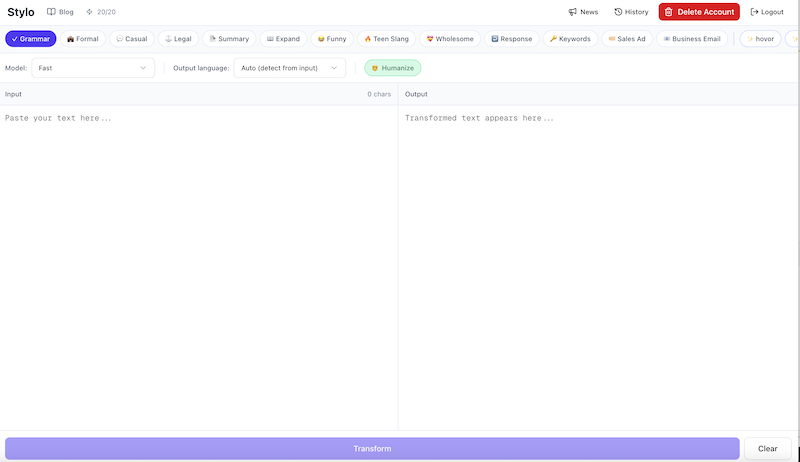
In Stylo it's simple: paste your message and ask for a rewrite in a direct, personal tone. The result is a message that sounds like you — just better.
Try it: Open Stylo and paste your last LinkedIn message. You'll see the difference.
The Bottom Line
LinkedIn isn't dead. Most messages on it are.
One change — a specific first sentence about them, not about you — can change everything.
Note: Results vary by individual. Not every message will get a reply, regardless of wording. But the right first sentence dramatically increases the chance that it gets read at all.
Ready to improve your writing?
Try Stylo for free and experience AI-powered writing assistance that adapts to your style.
Try Stylo FreeRelated Posts
I Almost Lost Money on a Return. One Message Changed Everything.
A seller ignored me for 3 weeks. Then offered a 'solution' with a fee. One message was all it took to get everything back. Here's the exact text.
product updatesBots racked up a thousands-dollar bill overnight — how to avoid it
A developer on Reddit got a bill for thousands because of bots. I looked at my own code and realized I was in the same spot.